
Advanced efficient functions
Full accessibility is no longer an extra feature for websites, but a basic, highly important function.
We believe that everyone should have equal access to online services. To this day, however, many websites still fall short of the expected requirements; developers have to invest extra effort to properly optimize a site and resolve as many accessibility problems as possible.
Through continuous development, Guidebot solves this problem and provides high-quality access for all visitors.
Advanced Web Technology
We are committed to web accessibility. We provide our customers with advanced technologies that help them better meet the requirements of the internationally recognized WCAG 2.1, ADA and EN 301-549 standards.
Controllable by users
-
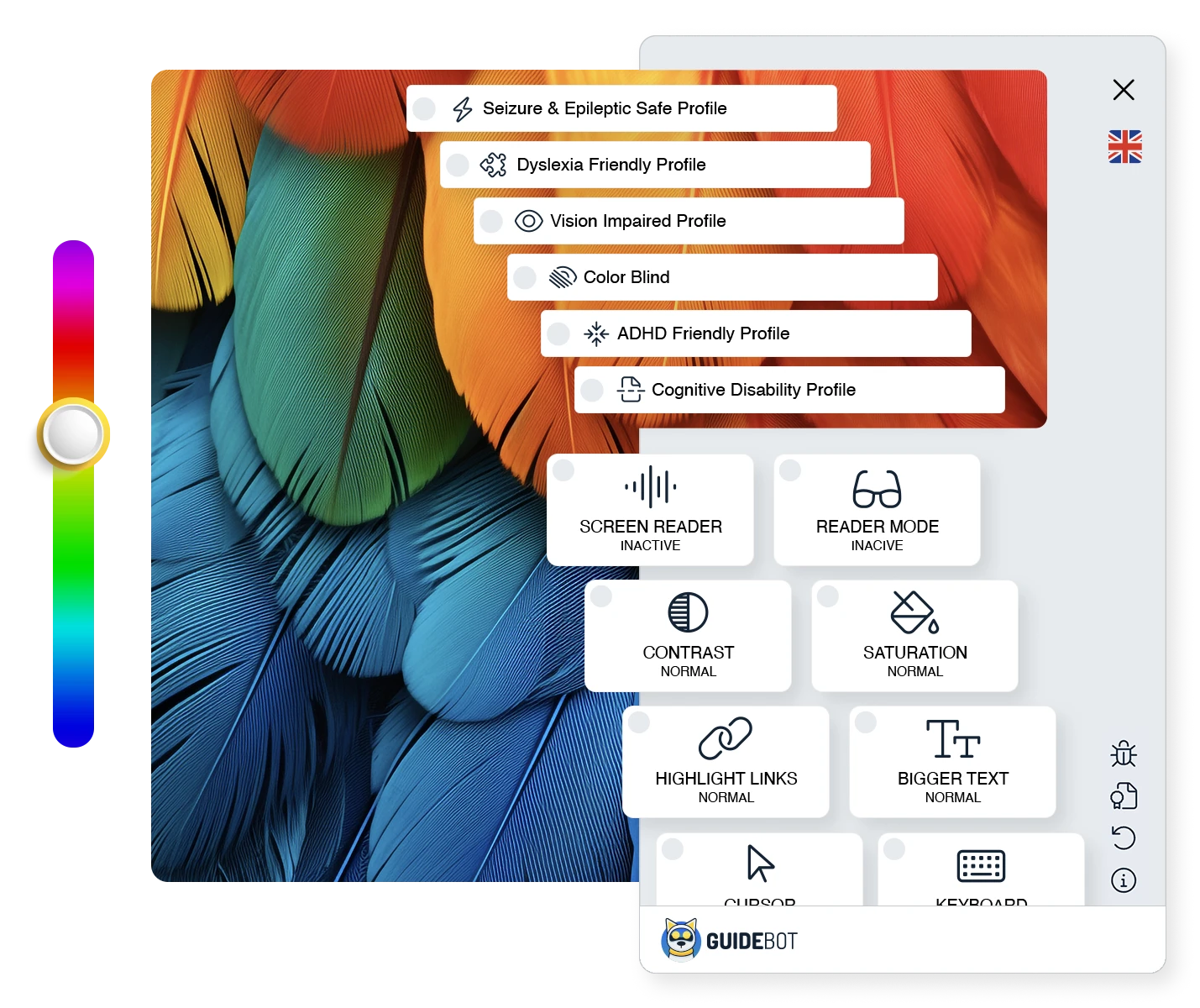
Predefined combinations of Guidebot profiles provide targeted solutions for specific needs, such as ADHD, seizure prevention, or cognitive function support.
-
Users can fine-tune the profiles or put together a combination that works for them.

Practical and clean interface
Through the exceptionally simple interface, your visitors can easily select the profiles they want and fine-tune them, giving them exactly the functions that help them most.
Custom color selection for your brand.
You can customize the plugin's colors, icon, placement — and more — to match your website's look.
Efficient and rich functionality

Screen Reader FREE BASIC PRO
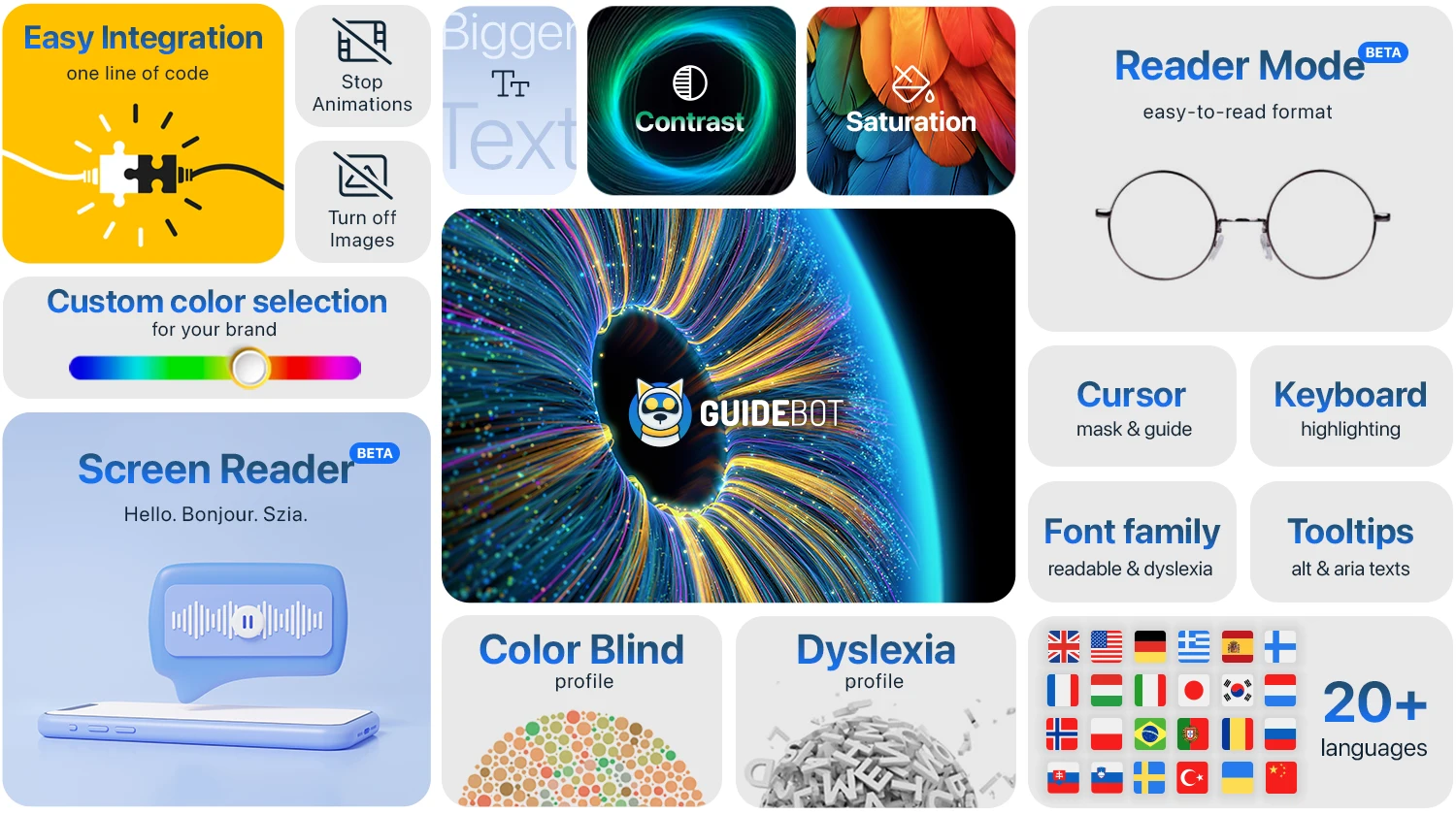
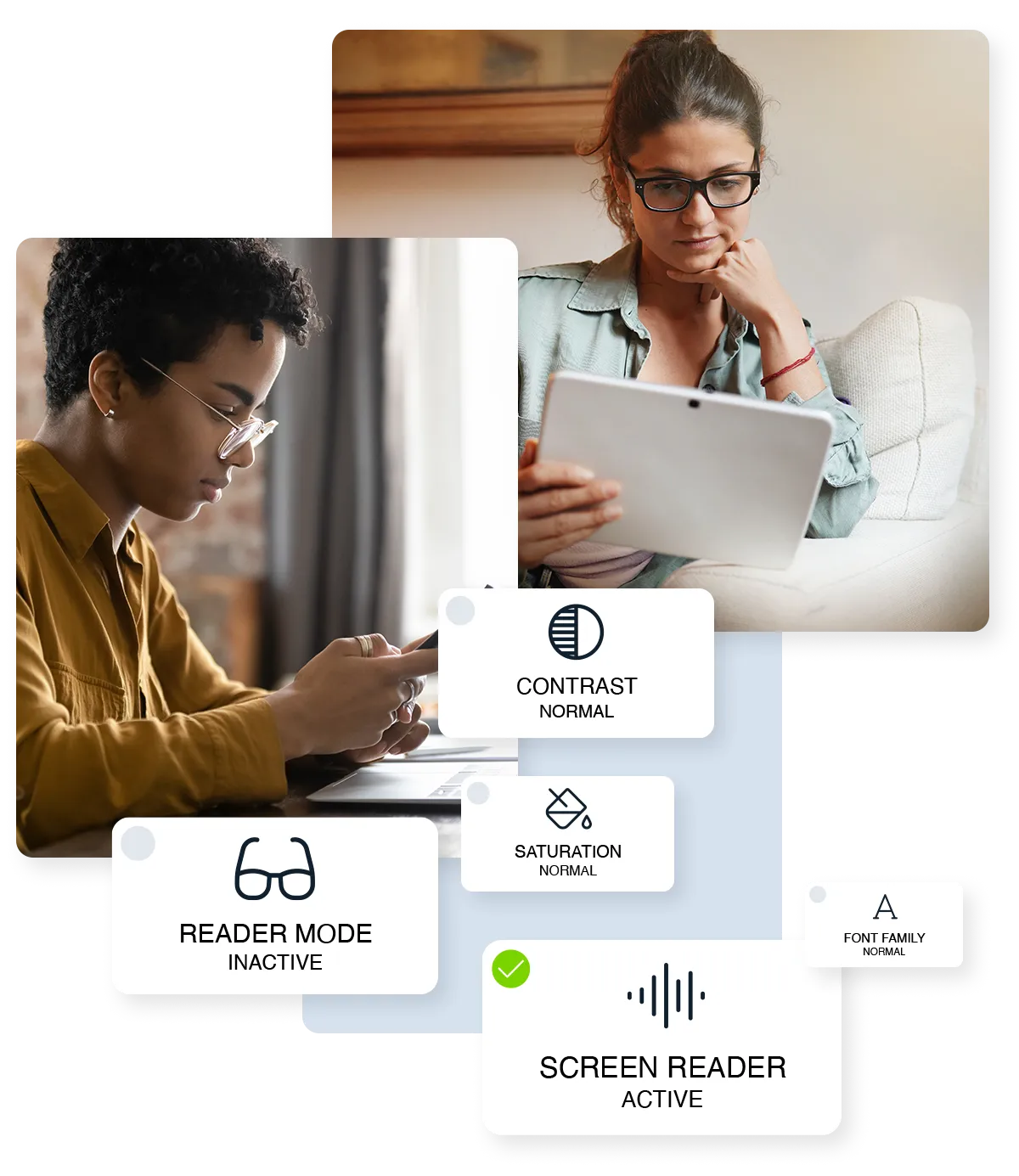
The "Screen Reader" reads the page's content aloud to visitors, helping them overcome reading difficulties.

Reader Mode FREE BASIC PRO
"Reader Mode" collects text from the page and displays it in an easy-to-read format, free from distractions.

Page Structure FREE BASIC PRO NEW
In a pop-up window, organized into three tabs, it collects the page's navigation, headings, and links, so visitors can jump straight to any section or destination with a single click.

Contrast FREE BASIC PRO
Inverse colors, dark and light contrast make your website more readable.

Saturation FREE BASIC PRO
Adjusts the color intensity between low, high or grayscale.

Highlight links FREE BASIC PRO
Makes links and buttons on the website easy to spot, simplifying navigation.

Bigger text FREE BASIC PRO
Enlarges text to make the website more readable. Three different levels are available.

Cursor & Guide FREE BASIC PRO
Enlarges the cursor. The cursor mask and guide line help you stay focused.

Keyboard FREE BASIC PRO
Helps with keyboard navigation and highlights the element currently in focus.

Font family FREE BASIC PRO
Replaces hard-to-read fonts on the website with standard or dyslexia-friendly ones.

Tooltips FREE BASIC PRO
Displays images' alt text and "aria" tags near the mouse pointer.

Line Height FREE BASIC PRO
The larger space between lines makes it easier for the eyes to jump to the next line, reducing the chance of mistakes. This is particularly useful for people with dyslexia and visual impairments.
Letter Spacing FREE BASIC PRO
Words are easier to distinguish when there is sufficient space between letters. This helps users with dyslexia and those with poor eyesight, as the letters do not blend together visually.

Turn Off Images FREE BASIC PRO
Hides images to make the website easier to read and improve the user experience.

Stop Animations FREE BASIC PRO
Eliminates moving, flashing animations that can distract or even cause a seizure.
Predefined Profiles
Predefined combinations of Guidebot profiles provide targeted solutions for specific needs, such as ADHD, seizure prevention, or cognitive function support.

Seizure & Epilepsy Prevention Profile BASIC PRO
Disturbing effects and flashing areas on the page can trigger seizures in susceptible people. This profile stops such animations and fades out bright, distracting colors to help prevent seizures.
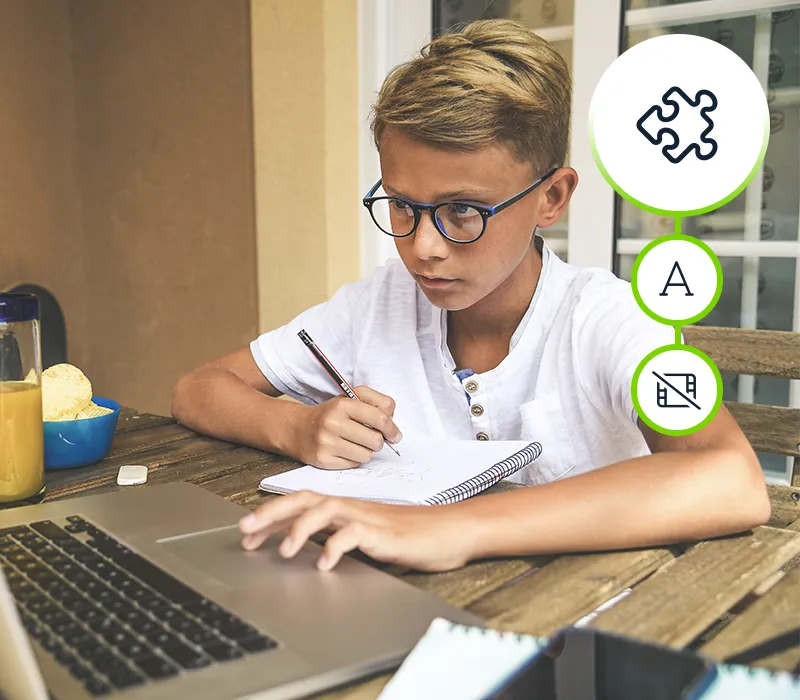
Dyslexia Friendly Profile BASIC PRO
Around 15% of the population has dyslexia. This profile helps you with text recognition and fluent reading.

Visually Impaired Profile BASIC PRO
Designed for visually impaired users, this profile bundles settings that allow for easy navigation.

Colorblind Profile BASIC PRO
Not everyone perceives colors correctly on screen. This profile helps by emphasizing the colors.

ADHD Friendly Profile BASIC PRO
Attention deficit hyperactivity disorder affects more and more young people — about one in twenty adolescents is affected by ADHD. This ADHD-friendly profile reduces distractions and aids text comprehension.

Cognitive & Learning Disability Profile BASIC PRO
Learning disabilities have a negative impact on reading comprehension. This profile improves the reading experience and helps you stay focused.
Guidebot supports more than 20 languages
Select automatic language detection in the widget settings so that Guidebot detects the user's or page's preferred language and displays it in that language.


Got Questions?
We will try to answer the most frequently asked questions here.
What is the difference between the free version and the paid version?
In short, only predefined profiles can be used in the free version, so users can't fine-tune them. The widget's colors can be adjusted in the "Basic" version. The Guidebot logo and info icon can be turned off in the "Pro" version.
Do I need to change the website code to make everything work properly?
We recommend reviewing your website in any case. Guidebot optimizes continuously, but some areas can only be handled properly if the website meets certain basic requirements. Examples include adding suitable alternative text for images or placing "aria" tags in the code. Our website optimization guide will help you with this.
If I make changes to the website, do I need to set anything on the widget afterwards?
No, Guidebot will properly handle the changes as soon as they appear on the website.
Is there a quantity discount if I manage several pages from one user page?
Yes, we can offer agency and volume discounts for 10 or more connected websites. If you'd like to know more about our discounts, please contact us.
How easy is the installation on my website?
Installing Guidebot is very simple. We've created dedicated plugins for popular content management systems, so you can easily install the widget even without any programming knowledge (and the number of plugins keeps growing). Without a plugin, a single line of code is enough to install it — the detailed guide will help you.
Does the Guidebot widget slow down my page?
The Guidebot widget is activated after the website is fully loaded, so as not to affect the speed of your website.